Discovering Photo Zines
- Mary Jo Richards
- Jun 12
- 2 min read

I recently discovered a web-based app called Dirty Little Zine. It's a simple drag-and-drop zine maker that creates a full-bleed PDF file that can be downloaded and printed on the paper of your choice. You can upload art, insert whatever text you like, print, execute a few folds, a single cut, and BAM! You have an eight-page zine! It's magical, really. You can go from idea to fully-realized, tangible artifact in a matter of minutes.
The creator behind this is a guy named Rick Vega, a filmmaker from Mexico City. In addition to the web app, he has also developed the Dirty Little Library, an archive of all the zines that people make with his app then submit for publication to the site. Once they are published, they are free for download and distribution. This is really in the spirit of zines, which are intended to be readily available to all, cheaply made and widely distributed.
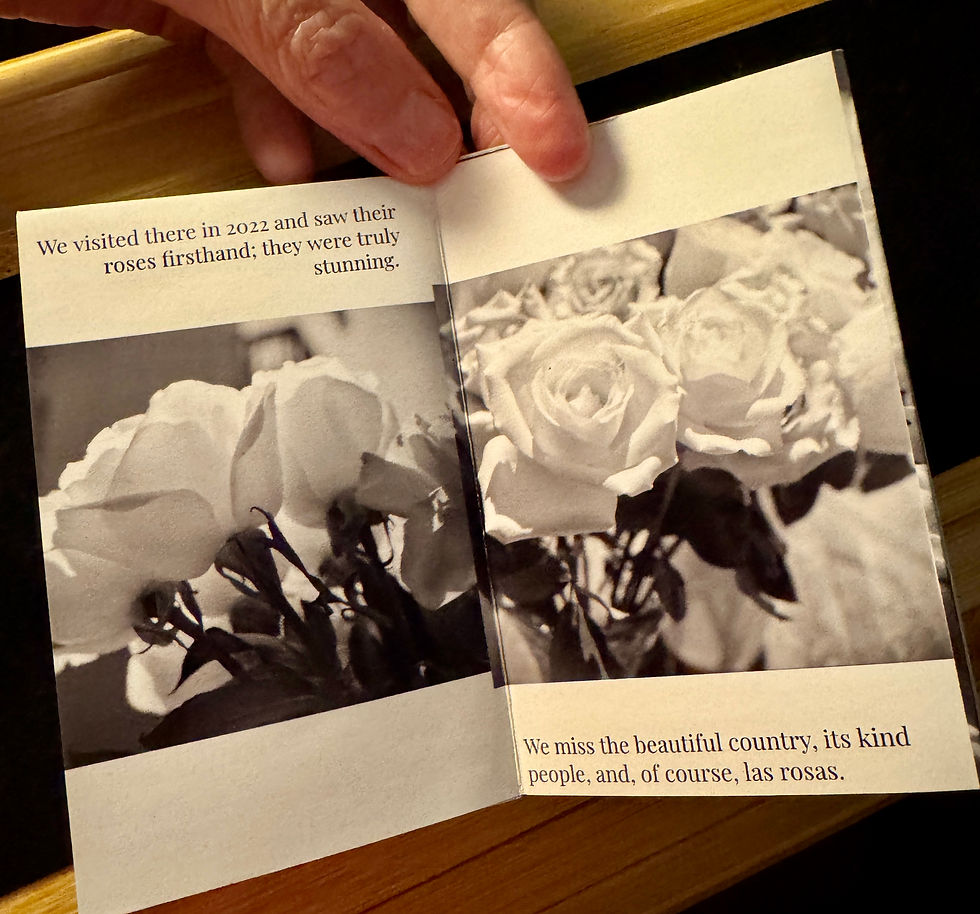
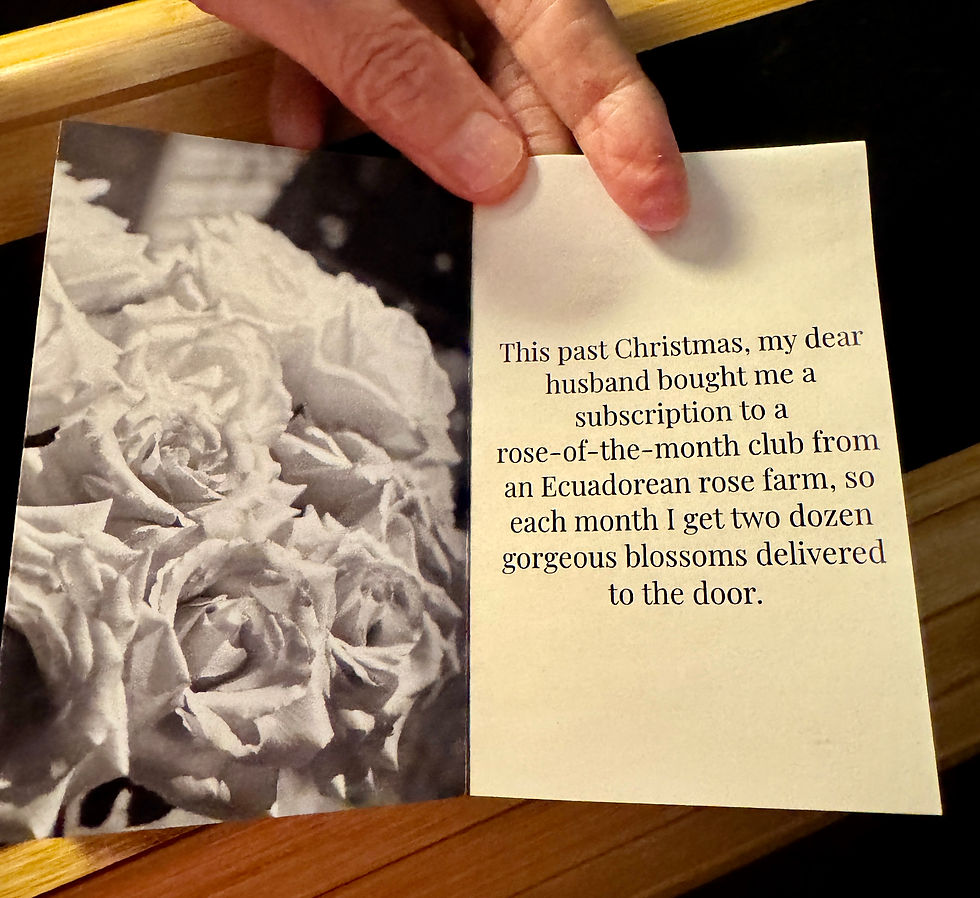
I decided to test out the app by making my own zine. I used my Yashica D TLR medium format film camera to photograph some gorgeous roses that my husband has sent to me every month, and I told the story of those roses in the zine. You can see snaps of it below or download the PDF from the Dirty Little Library. I found that the best way to print these zines is by using a 32 lb. two-sided, semi-gloss photo paper. It's got a nice sheen to it that gives the zine a lovely finish. I used my Canon Pixma MX922 inkjet printer which, while older, did a really nice job. I also discovered something called a bone folder tool that makes putting sharp creases in the paper a lot easier.
My mind is on fire with ideas for these zines! I want to give my students a zine project, and I want to make more zines myself and give them away, leaving them around for others to find.




Comments